Plan for the photo you keep missing
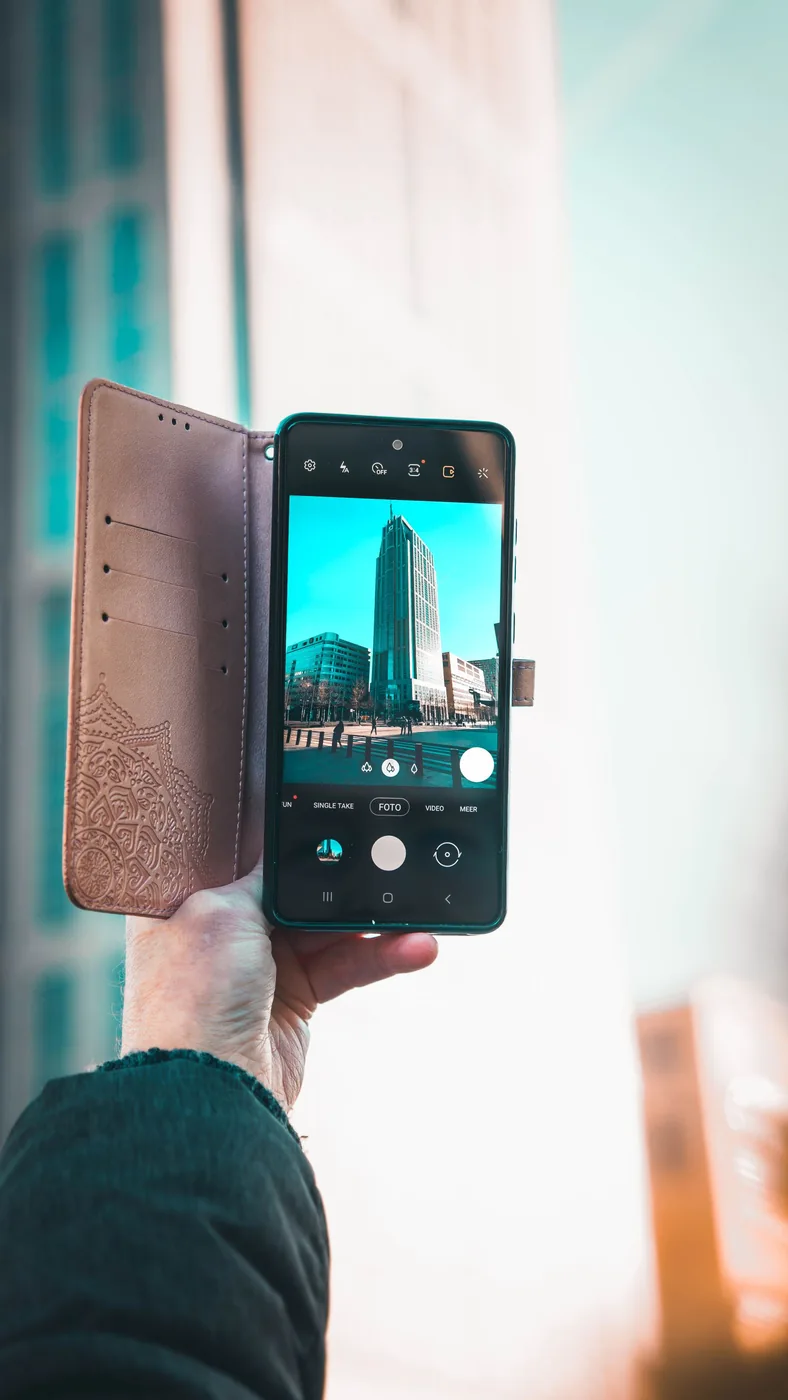
Imagine a day trip with a friend: a market in the morning, a coastal walk after lunch, and a late train home. You want a photo together that does not crop out the setting, but you do not want to carry a full camera bag. Name the specific photo you struggle to make before shopping. A group picture suggests a stable support and a timer. A walking video may call for a secure grip. An afternoon of maps and photos may justify portable power. Each problem points to a different accessory; you rarely need all of them.
Start with the phone you already know
Before leaving, clean the camera area according to the phone maker's guidance, check storage, and practice the timer in a familiar place. Find the camera modes you actually understand rather than learning a new attachment at the scenic overlook. Choose an accessible pocket or small bag compartment so taking a picture does not involve unpacking lunch. These free steps matter because a phone photography kit competes with the rest of the day for attention. If an accessory takes too long to attach, you may stop using it after the first stop, regardless of its potential.
Choose support by the available surface
Peak Design's Mobile Tripod offers a compact phone-support format with a magnetic attachment system. JOBY's GripTight products show a more modular route to phone mounting. Those published designs suggest different packing decisions, not a measured stability ranking. A small tabletop support needs a suitable level place; a taller tripod occupies more bag space. Consider whether the destination has tables, benches, or safe ground where setting up is allowed. Never leave a phone perched where a nudge, wind, or passing person could send it over an edge. Keep the setup away from paths other people need.
Check the connection before the trip
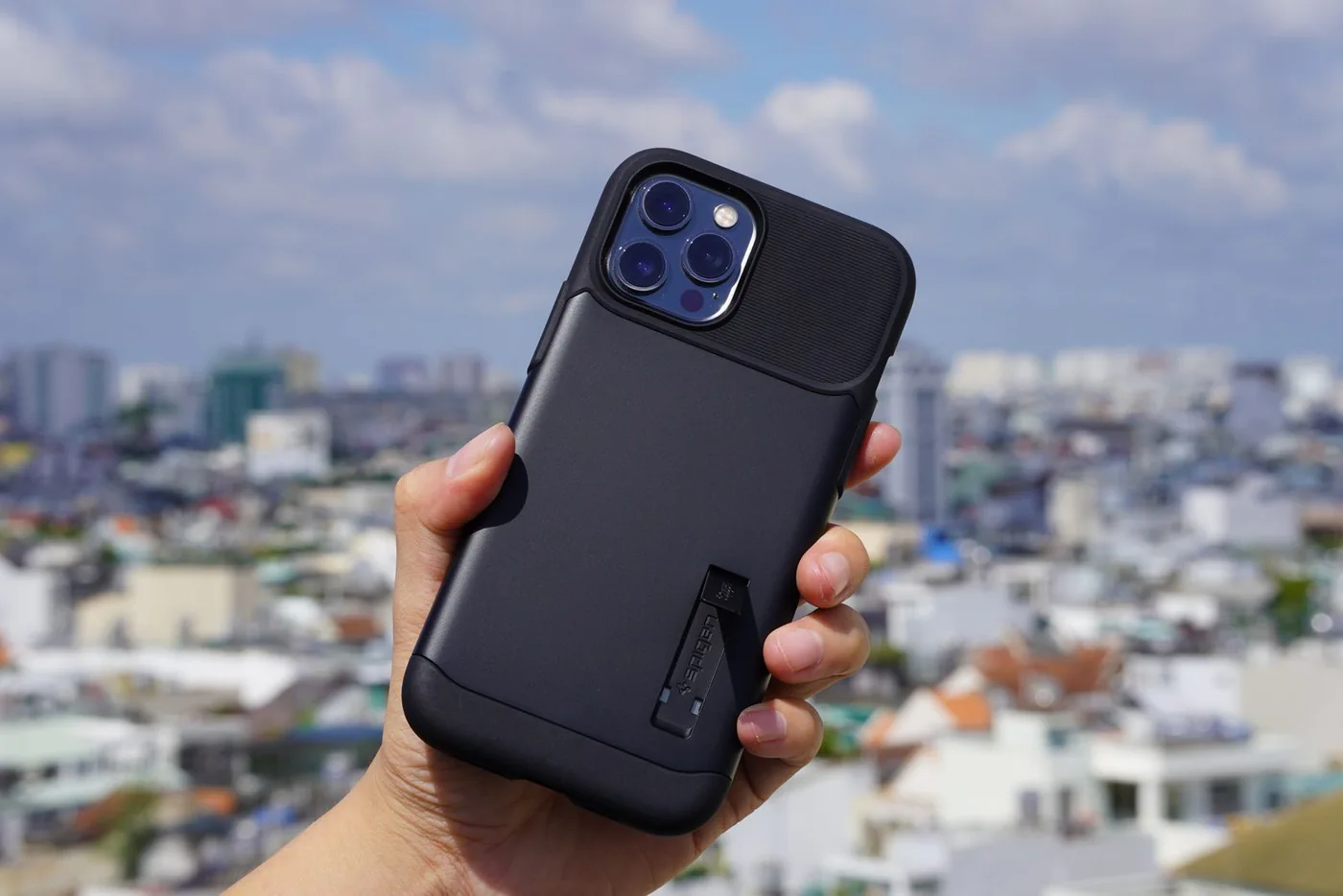
Magnetic support requires an appropriate phone or case attachment, while a clamp needs to fit the phone with its case installed. Compare the complete supported width or compatibility information before ordering. If a product needs an extra adapter, include its cost and installation in the plan. Practice rotating between portrait and landscape at home. The goal is a connection you can manage without holding several tiny pieces over a hard surface. Do not assume the same attachment suits a quiet table and an active walking shot; follow the equipment's intended use and support guidance.
Spend on the missing shot, not an accessory collection
A small support earns its price if it lets you appear in the photos you otherwise miss. A lens attachment deserves more scrutiny: check exact phone compatibility, case requirements, and what camera it covers before buying. If you cannot describe the photo you want from it, keep the money for the trip. A grip can be useful for someone who records longer clips, but it also changes pocketability. Begin with one purchase, use it through a normal outing, and decide later whether another item solves a separate problem. Matching finishes are optional.
Keep power and weather practical
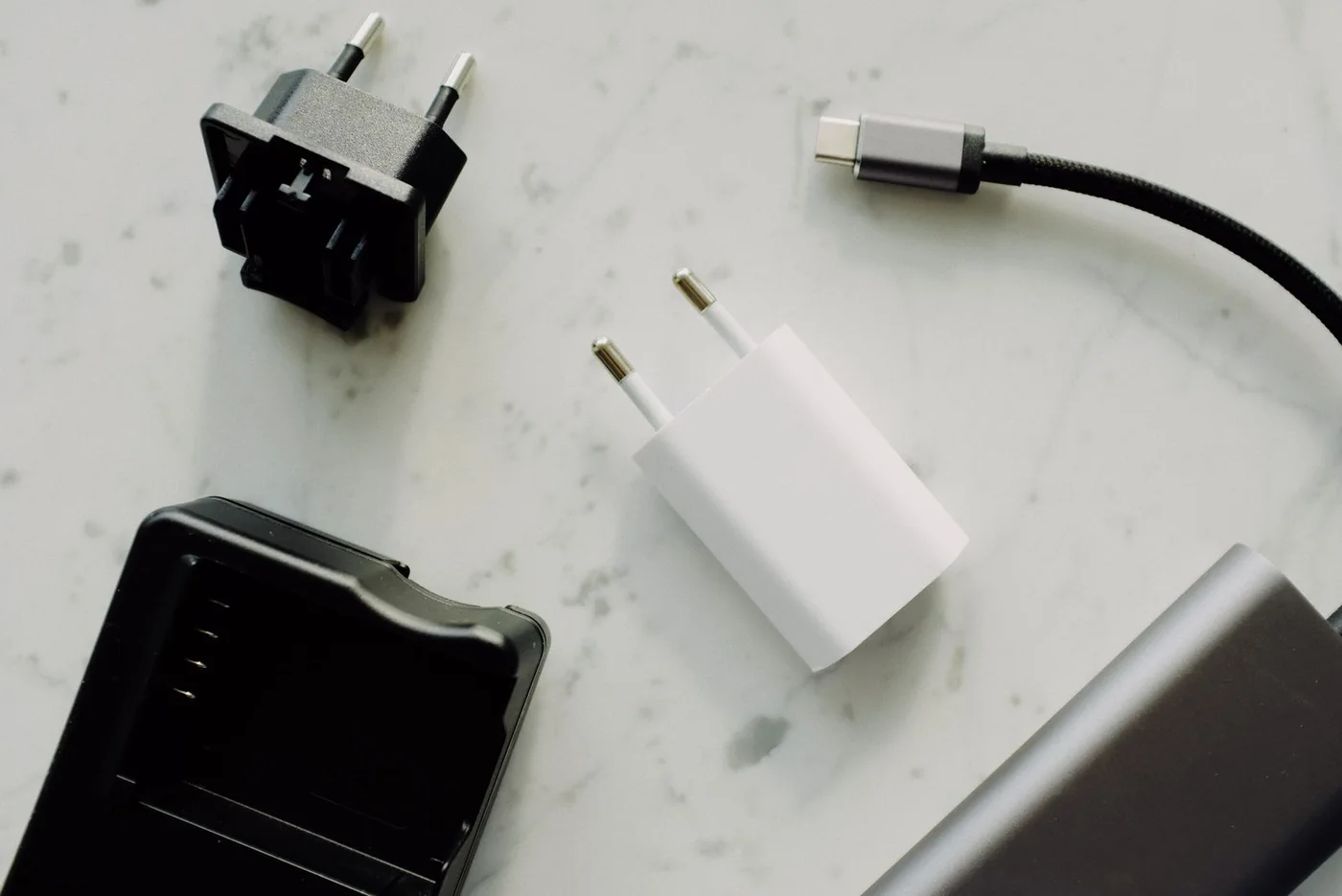
Charge the phone before leaving and bring the smallest suitable reserve if your itinerary depends heavily on maps, tickets, or messaging. Use a cable arrangement that does not dangle into a walking path while the phone is mounted. Protect equipment from weather according to its own instructions; a phone's rating does not automatically apply to a separate accessory or exposed connection. Store a small cloth in a clean pouch so it does not collect grit beside keys. None of these steps guarantees a perfect image, but they reduce the mundane interruptions that make a pleasant outing feel like equipment management.
Bring back a manageable set of pictures
Pause occasionally to choose the frame rather than recording every moment in several modes. For group photos, set up where you can safely step into position, confirm the frame, and give everyone a clear countdown. Review one image before packing away the support. At the end of the day, favorite the photographs you want to share and back them up using your usual system. Our buying direction is deliberately small: compare a Peak Design support for compact carrying or a JOBY mounting path for modular flexibility. Choose the one that solves your missed shot with the fewest extra parts.
Where to start looking
These are starting points for comparison, based on manufacturers’ published information. Check the exact version, compatibility, current availability, price, and return terms before ordering. Manufacturer links below are ordinary links unless specifically labeled as affiliate.
Peak Design Mobile Tripod
Consider when a small support for group photos is the missing piece.
The tradeoff: Requires a suitable attachment and an appropriate supporting surface.
Manufacturer details ↗JOBY GripTight mounts
A useful comparison for building a phone support around existing legs or accessories.
The tradeoff: Check whether the listing includes a complete support or only a mount.
Manufacturer details ↗A few things you might be wondering
Should I buy a phone lens before a tripod?+
Buy for a specific missing photograph. For group photos and self-timer scenes, a suitable support may solve the more immediate problem.
Can I use a magnetic mount with any case?+
Check the mount's listed phone and case requirements; a magnetic-looking ring is not enough evidence of compatibility.
Sources & editorial notes
Manufacturer and primary-source information checked October 23, 2026. Buying advice reflects our editorial interpretation. Features and regional options can change.
See our editorial policy or request a correction.